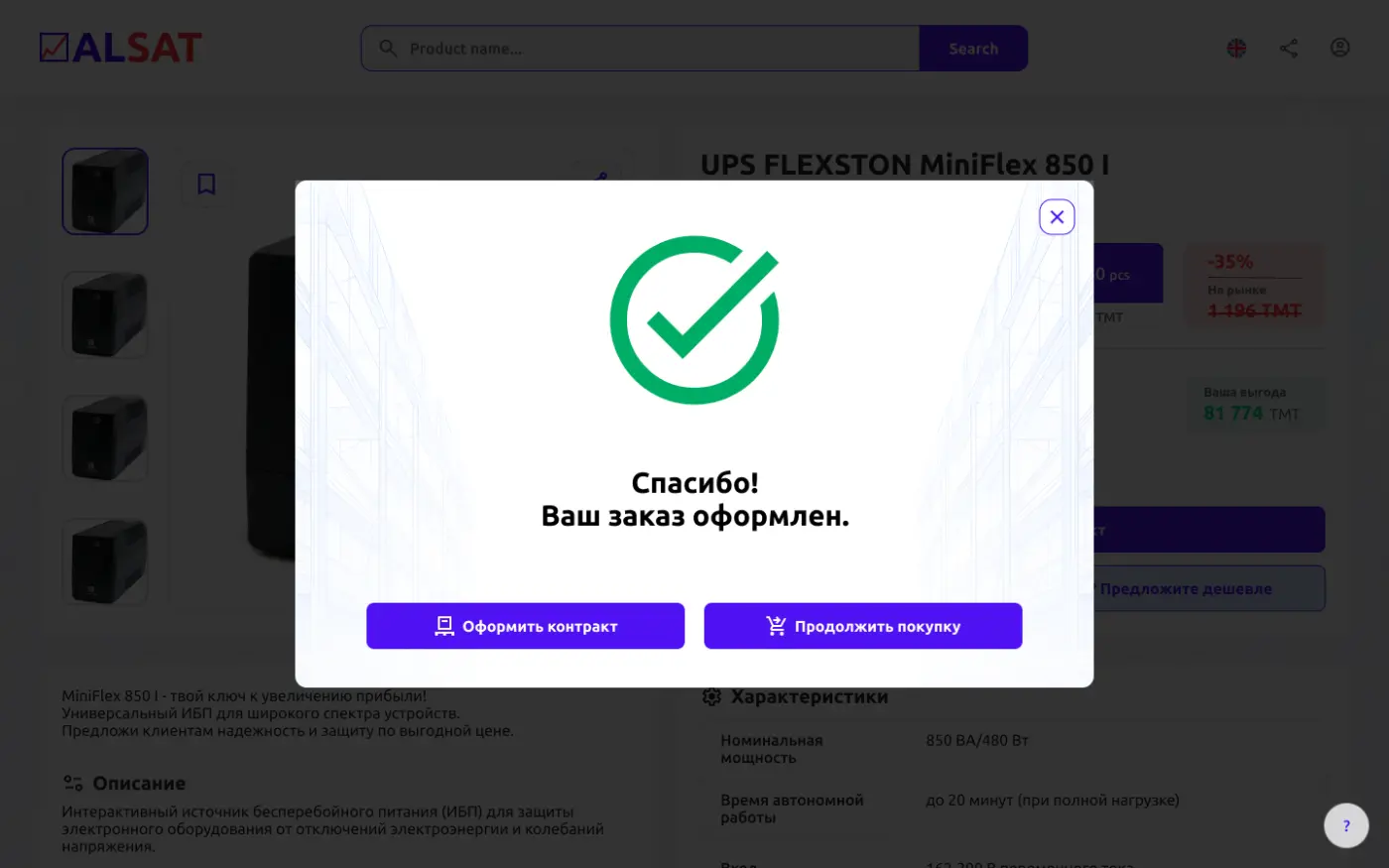
How to Place an Order in 5 Simple Steps
1. Start on the Main Page
Click the "Buy Cheap" button.

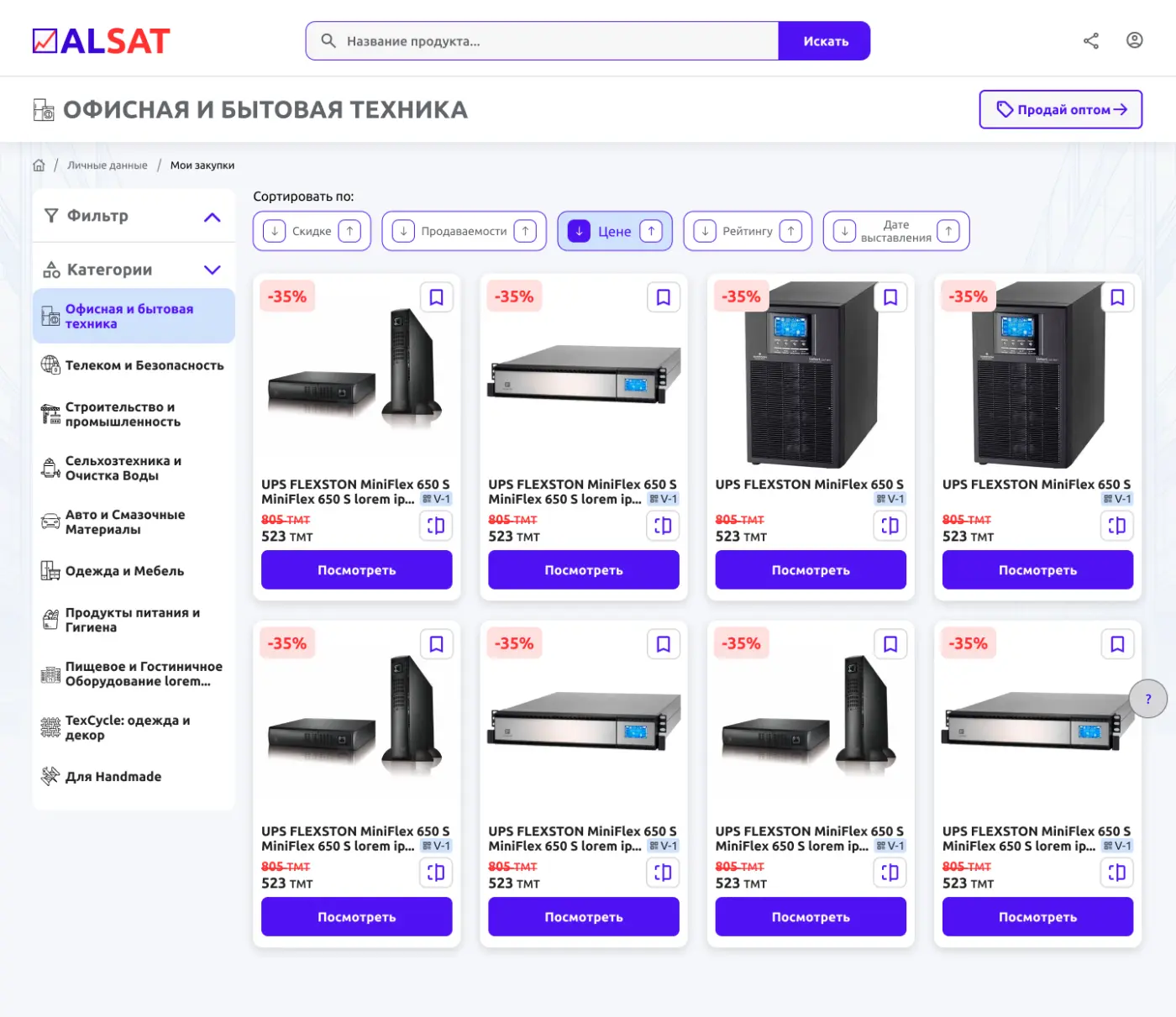
2. Select a Product
Click "View" under the product you want.
Tip: Use filters, sorting, or the search bar to quickly find what you need.
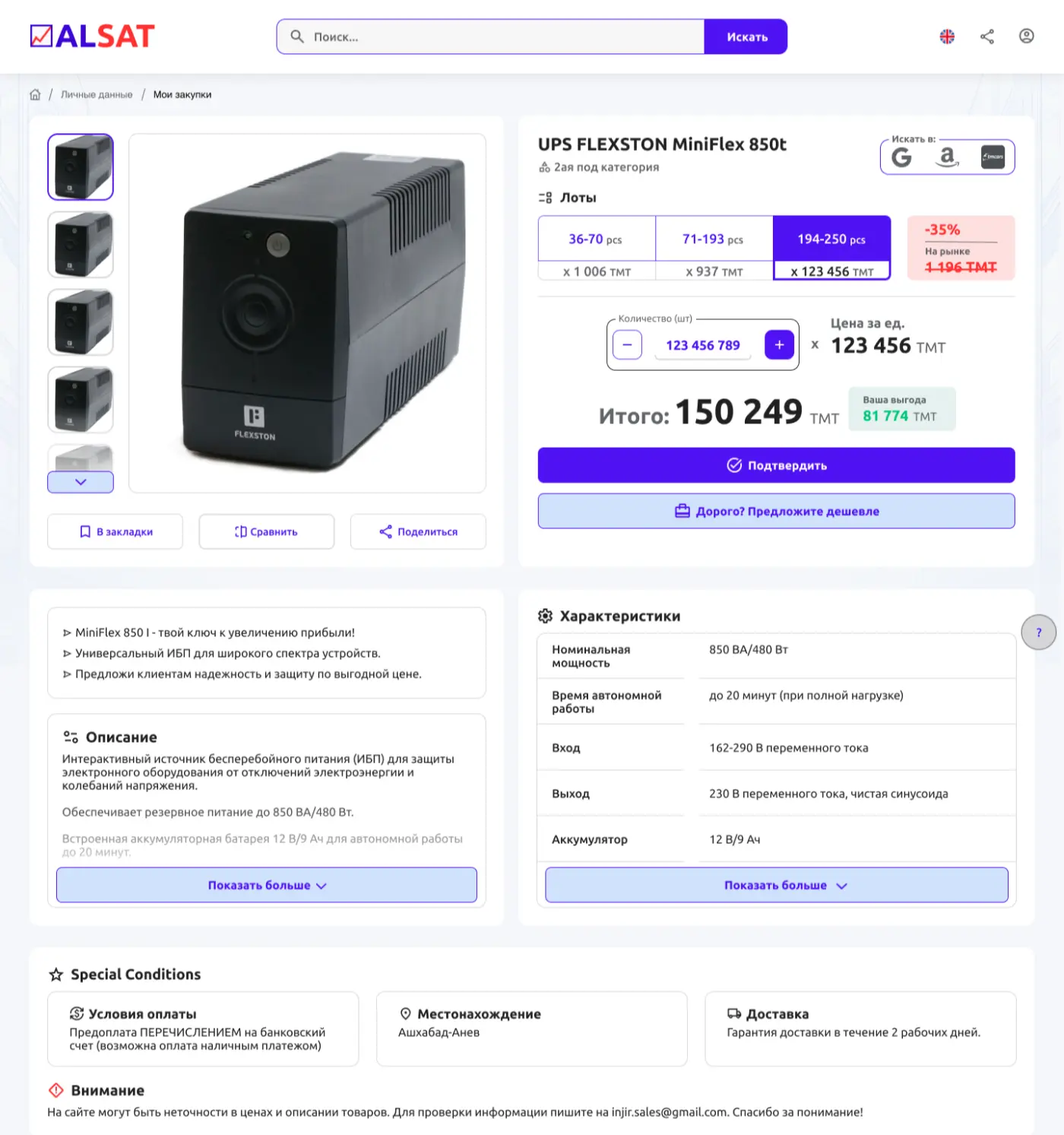
3. Review and Choose
Check the product details, select the quantity, and click "Proceed".
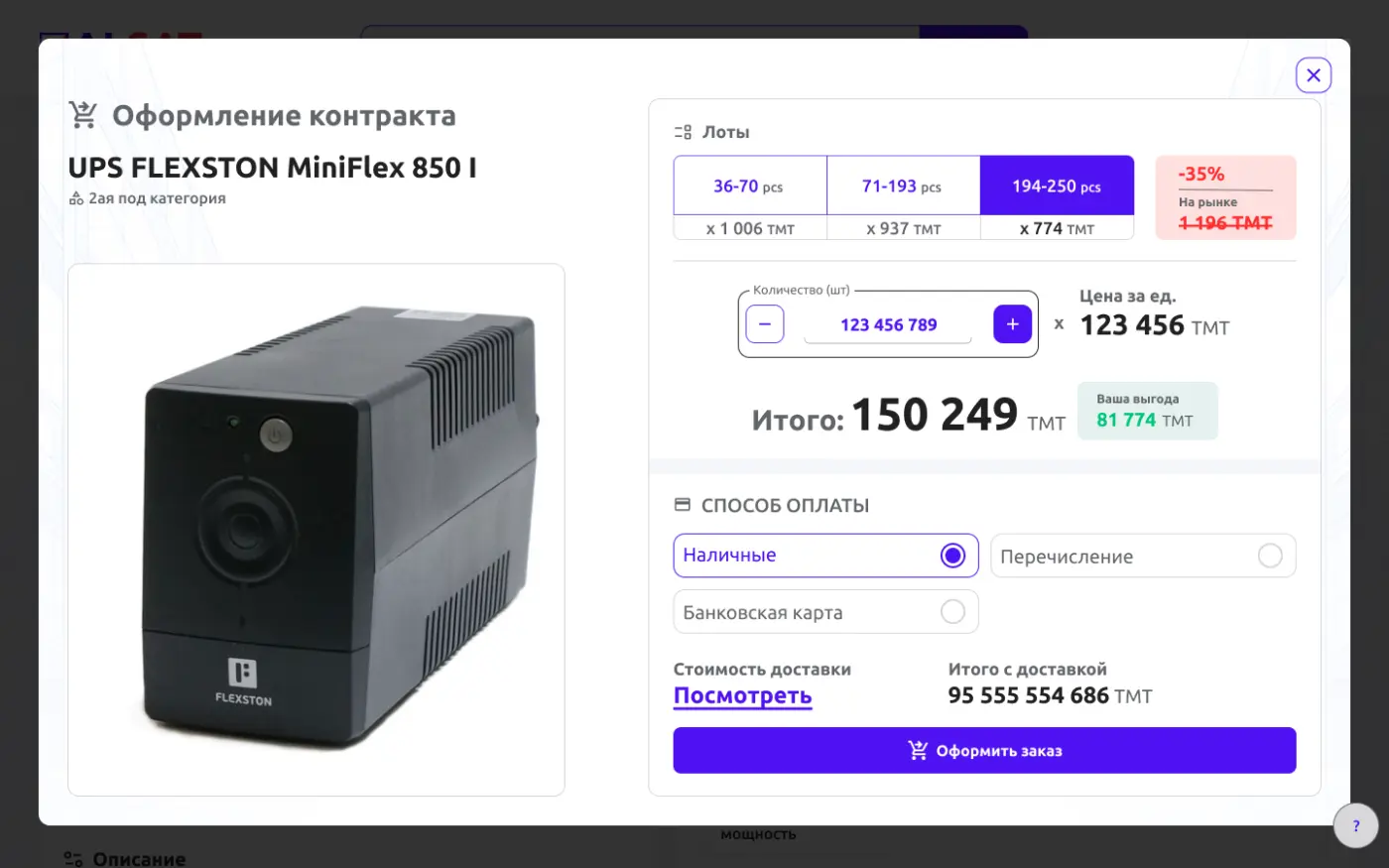
4. Enter Payment and Delivery Info
Select your payment method, provide your delivery address, and click "Make an Order".
5. Order Complete
Your order is now placed! Track it anytime on your Account Page.